

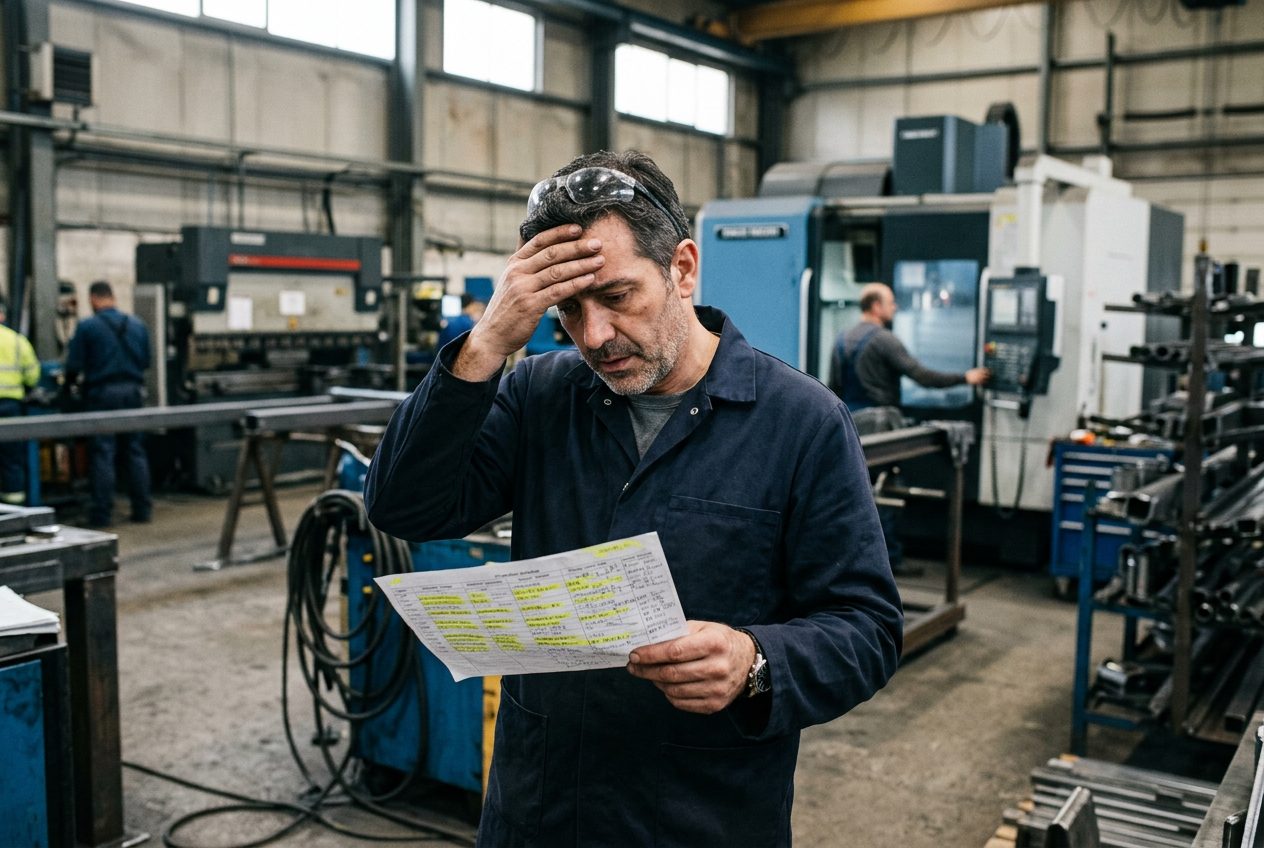
It is Thursday, two in the afternoon. The phone rings in the office. It is the customer, asking where their order is. The planner opens the schedule: the job is there, in white, sitting on Friday, looking perfectly fine.
Then someone walks out to the floor and asks. The job has not started. The machine it needed went down on Tuesday, the material came in short, and the operator who knew the setup was off sick. Every one of those facts was known by somebody. None of them ever reached the schedule.
That gap, between the schedule you planned and what is actually happening on your floor, is what people mean by schedule vs actual. Every plant has some gap. The danger is when you only discover it after your customer does. Here are four signs it is already costing you.
Sign 1: You learn the real status by walking the floor
If the only way to know where a job stands is to walk out and ask, your schedule is a wish list, not a plan.
It looks normal because everybody does it. The supervisor walks the floor at the start of the shift, the planner calls the lead hand, and the morning meeting spends twenty minutes on "where are we with this one?" But every one of those walks is a sign that the schedule stopped telling the truth some hours ago.
What to do: pick five jobs on today's schedule and write down what the schedule says about each one. Then walk the floor and write down what is really happening. If more than one of the five does not match, your plant runs on walks, not on the schedule.
Sign 2: Your numbers reach the schedule after the shift
Every plant records its numbers in its own way. Some type them into an Excel sheet, some fill in a printed form, and some write them on the work order itself and hand it in later. But if those numbers only reach the schedule after the shift, or after the paperwork is collected, the schedule is always one step behind.
That means a job can fall behind at nine in the morning and nobody sees it until the next day's report. By then you have lost a full shift you could have used to fix it: move the job to another machine, call in overtime, or warn the customer early.
What to do: ask yourself one question. If a job falls behind at 9 AM, who knows by 10 AM? If the honest answer is "nobody," the count needs to move closer to the moment the part is made.
Sign 3: Late jobs are found by shipping, not by planning
The worst way to find a late job is at the shipping dock, when the truck is waiting and the parts are not there. The second worst way is a phone call from the customer.
If most of your late orders are discovered at the end of the line, it means nothing in the middle of the line was watching the due dates. Each department finished its own piece and moved on, and nobody was looking at the whole job against its promise date.
What to do: for the last five late orders, write down who found out first and when. If the answer is usually "shipping" or "the customer," you need one place where overdue jobs stand out every day, before they reach the dock.
Sign 4: A machine stops, and the plan does not move
A machine goes down. Maintenance is called, the repair starts, and the operator moves to another job. But on the schedule, the jobs planned for that machine still sit there, looking on time, for hours or even days.
This is the most expensive sign of the four, because one stopped machine can quietly make five or six orders late. The repair is visible to maintenance. The damage to the schedule is visible to nobody.
What to do: the next time a machine goes down, ask how long it takes for the planner to know which jobs are affected. If it takes more than an hour, the link between maintenance and the schedule is broken.
Could Your Schedule Tell You the Truth Before Your Customer Does?
I still remember the printed schedule on my floor, three years ago. By the middle of the week it was covered in yellow highlighter: this week's jobs marked on top of last week's, old marks nobody had cleaned up, and notes squeezed into the margins by the lead hand. That paper was meant to help us track the schedule. In truth, it was the reason we could not. Nobody could tell which yellow line was today and which was last week.
The day that paper came down, the lead hand put the highlighter away for good. Now they could talk to the live schedule, and the schedule talked back. What they saw was the real time schedule, not what had been printed last week. It was a different story.
That difference is why we built DOVAmfg as a Full Floor Management System, or FFMS: one system that runs your whole production floor, the schedule, real time production tracking, and the maintenance and compliance hub, instead of a separate tool for every job.
Here is what that means for the four signs above:
- No more walks to find the status. Your schedule and your real production sit on the same line. Each job shows the quantity actually completed, the quantity rejected, and how far it has moved through its steps. The page refreshes by itself every 30 seconds.
- No more waiting for the paperwork. When an operator starts, pauses or finishes a job at their station, the schedule shows it on the next refresh. The completed quantity appears the moment the job is closed, not in tomorrow's report.
- Overdue jobs stand out. With the overdue view on, unfinished jobs from earlier days are grouped in their own section, marked in amber, so you see them every morning before shipping does.
- A stopped machine moves the plan. When maintenance marks a machine down, a "Machines Down" warning appears on the schedule with the expected repair time and the work orders at risk, so the supervisor can decide right away. And when a job runs longer than its standard time, DOVAmfg puts a delay warning on the job for the supervisors.
You can see it on the office screen, on your phone, or on a TV on the floor.
And you do not have to throw away the way you plan today. If your schedule lives in Excel, DOVAmfg reads it from your file. The setup takes one day, so you can be tracking production tomorrow.
"This must cost a fortune, can we afford it?"
That is the question I would ask too. Many systems hold a company because of the huge money already spent to put them in, not because of the value they give. I wanted the opposite: you stay only because it helps your floor.
So DOVAmfg is one flat price per location, with every feature included. Operators and office users are free and unlimited. Plans start at $240 a month per location (USD), and every plan begins with a 30 day free trial. Before our launch on 12 January 2027, we are choosing five plants as Founding Partners: 50% off for 24 months, then today’s price for life. All five places are still open.
Now compare that with the cost of one late order: the overtime to catch up, the express freight, and the customer who starts calling your competitor.
So here is my invitation: book a 30 minute demo with me. Bring your own schedule, and I will show you what your floor would look like on it.