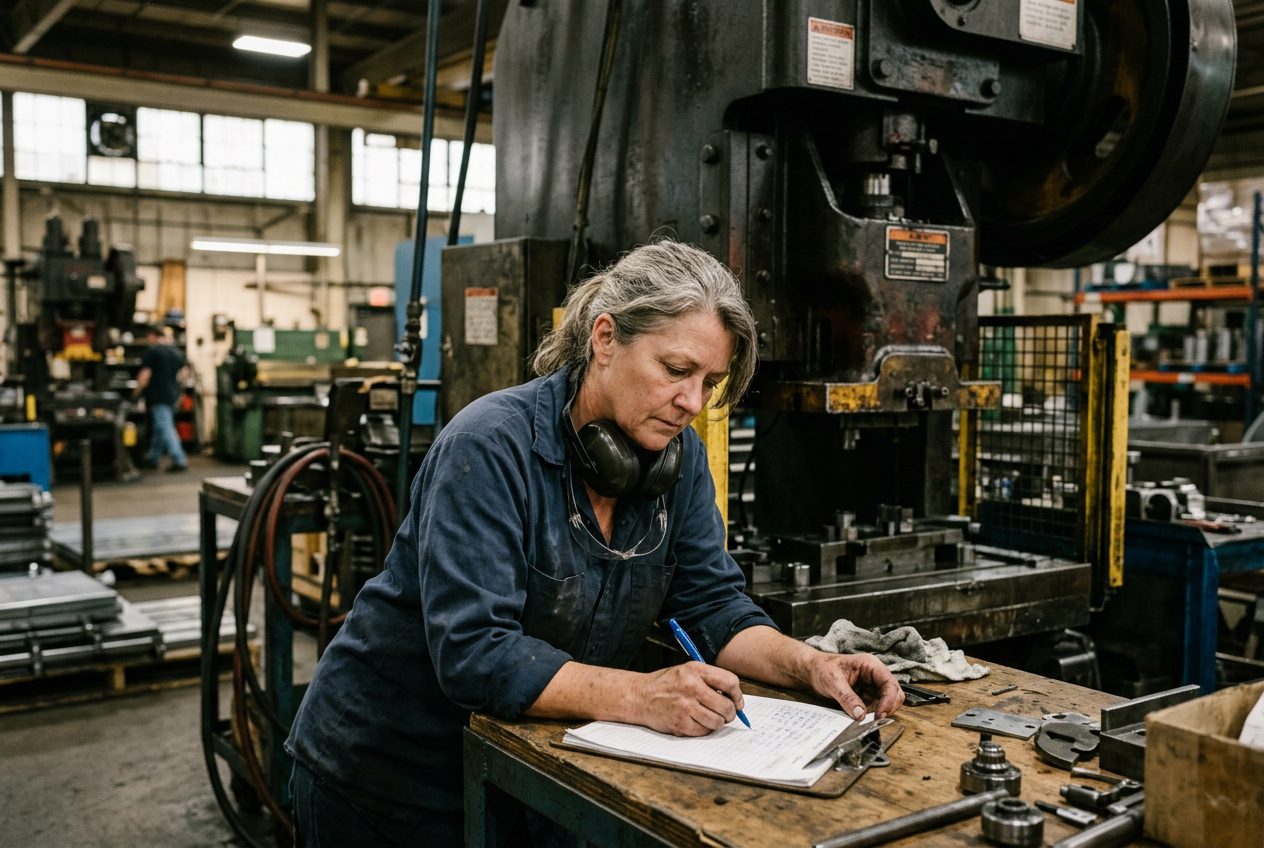


In my 25+ years as a production supervisor, I have worked with many kinds of floor software: maintenance systems, or CMMS (Computerized Maintenance Management System), production tracking systems, and scheduling tools. Every one of them promised an easy, smooth operation.
The reality started before the software even reached the floor. We spent months on setup: a huge number of working hours preparing data, and a steep learning curve for everyone involved.
But the worst came after the setup was finished. We discovered that the new system took hard work to keep up to date and to use every day, so the floor team did their best to avoid it. And a CMMS that people avoid is not easy, whatever the sales page says.
So what does "easy" really mean on a production floor? Here are the six signs I look for today, the traps to avoid, and a simple way to test any CMMS on your own machines in one afternoon.
Why "easy" matters more than any feature
I learned this the hard way: maintenance software does not fail because a feature is missing. It fails because people stop putting information into it.
When closing a work order takes five screens, the technician who is already late for the next breakdown writes it on paper, or tells me at the end of the shift, and promises to enter it later. Later never comes. A few months on, the system shows a clean list of finished tasks, while the real history of our machines lives in notebooks and text messages. Then the auditor asks for records, and someone spends a weekend rebuilding them.
So today, when I look at any CMMS, I ignore the feature list at first. I look for six signs.
Six signs of an easy CMMS
1. Setup takes days, not months
After the months of setup I lived through, this is the first thing I ask. Your machine list already exists, probably in a spreadsheet. An easy CMMS loads that spreadsheet as it is, and tells you clearly which rows it could not read and why. When a vendor starts talking about a "go live project" with consultants and a three month plan, I already know how the story ends.
2. A technician closes a task in one minute, from a phone
This is the sign I trust most. I don't hand the phone to the IT person. I hand it to a technician and say: "Open today's task, add a note and a photo, and close it." Then I watch. If they need help, or it takes more than a minute, I know the data will not come in on a real shift.
3. Each person sees only what they need today
My technicians need today's tasks. As a supervisor, I need what is late and what is waiting for a part. My manager needs the big picture. Software that shows everyone every menu looks powerful in a demo and feels heavy on the floor.
4. Repeat work schedules itself
Greasing a conveyor every week, checking a compressor every month, changing filters every quarter: this is most of our preventive maintenance. Nobody on my team should type it again every time. In a trial, I set up one repeating task and check that the next one appears by itself, with the right date, on the right machine.
5. Parts and contractors live next to the work
When a machine waits for a part or an outside contractor, it is still my problem at the morning meeting. If parts sit in one spreadsheet and the contractor's number sits in someone's email, the CMMS only sees half the story. I want to answer "why is this machine still down?" in one look.
6. A clean record for the auditor in five minutes
I ask the software for last month's history on one machine: what was done, when, by whom, with notes and photos. Then I ask myself one question: would I hand this to an auditor or a customer without fixing it first? If the answer is no, the system is not doing its job.
What "easy" should never mean
I have also seen the opposite mistake. Some vendors make their software "easy" by taking away things you need. Here is what I watch for:
- Easy should not mean shallow. My team still needs repeat schedules, spare parts, and a real history for every machine. Simple screens are good. Missing functions are not.
- Easy should not mean losing records. When someone deletes a task, the history of the work must stay. Sooner or later, an auditor will ask about it.
- Easy should not mean no training at all. Even the simplest tool needs a short walkthrough. The difference is one hour of training, not one week.
Test it on your own floor in one afternoon
If I were choosing a CMMS again today, this is exactly how I would test it during the free trial:
- Pick three machines: one that breaks often, one with regular preventive work, and one that uses an outside contractor.
- Load them from the spreadsheet you already have.
- Create one repeating task and one breakdown task.
- Ask a technician to close both from their phone, with a note and a photo.
- Pull the history for those three machines and read it like an auditor would.
If all five steps work in one afternoon without calling support, you have found an easy CMMS. If you are still stuck on step two at the end of the day, you have your answer too.
What Would a Truly Easy CMMS Look Like on Your Floor?
This is exactly what I told my team when we started building DOVAmfg: "Let's build the first Full Floor Management System that needs only one day to set up, so production tracking starts tomorrow." That is still the promise on our home page today. Because DOVAmfg is not just a CMMS. It is an FFMS, a Full Floor Management System: one system that runs your whole production floor, with three parts: the schedule, real time production tracking, and the maintenance and compliance hub. We designed its maintenance part around the six signs above:
- You load your machines, spare parts, and contractors from one Excel setup file, and DOVAmfg tells you which rows need fixing.
- Your technicians open and close tasks from their phone, with notes and photos.
- Repeating tasks schedule themselves.
- Spare parts and contractors sit next to the work they belong to.
- When a task is deleted, its record stays, so your history is always complete.
There is one more thing I wanted to be different. I have watched companies keep a system the floor did not like, only because of the huge amount of money they had already spent to implement it. They were not staying for the value. They were staying for the money they could not get back.
DOVAmfg does not work that way. Setup takes one day, there is no big payment up front, and you pay a monthly price per location. So the only reason to stay with DOVAmfg is the value it gives your production floor, every single day.
So here is my invitation: book a 30 minute demo with me. Bring your own machine list, and I will show you how your floor would look in DOVAmfg. Then run the one afternoon test above, and judge DOVAmfg the same way you would judge any other CMMS. If it does not pass, I want to hear about it.