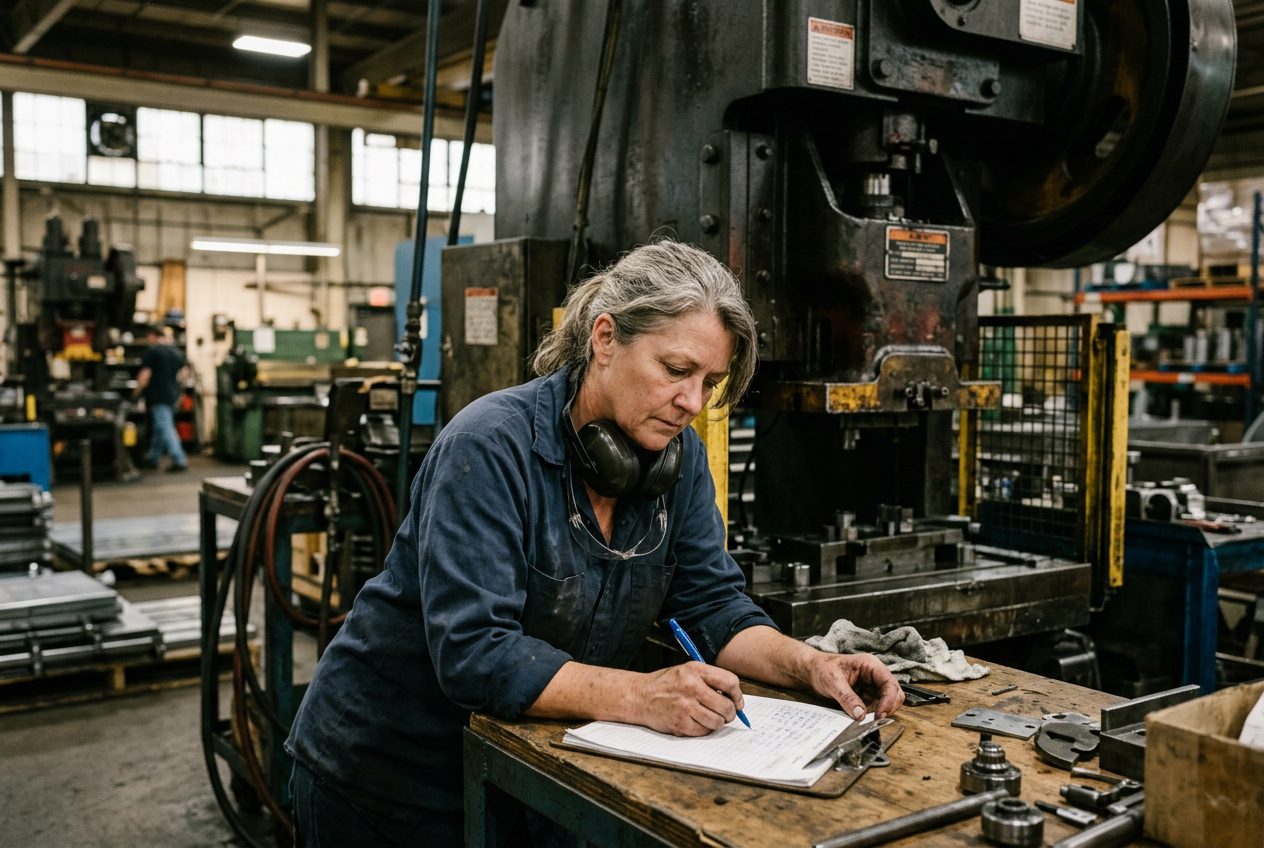

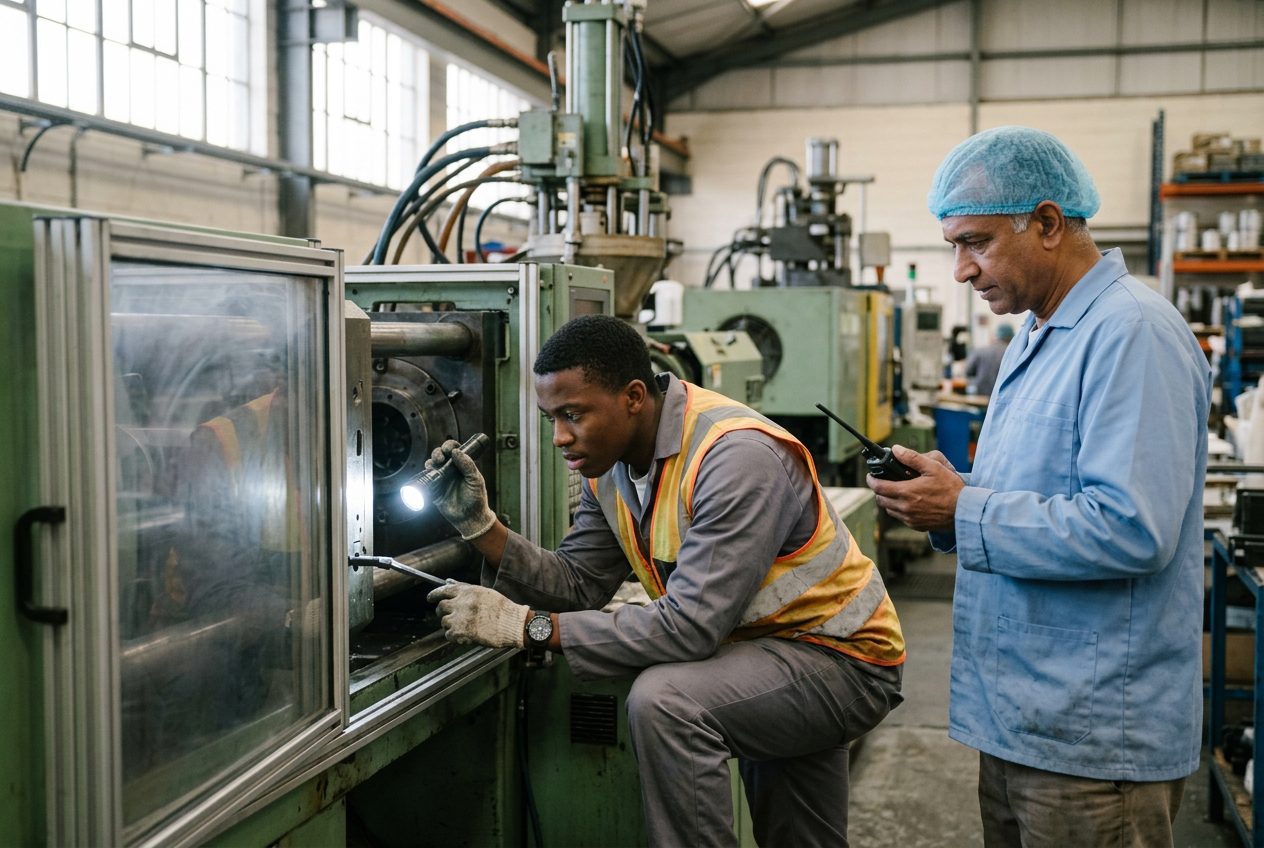
The sound changes first. Anyone who has worked on a production floor knows it: a press that thumps a little harder, a motor that starts to whine, and then silence. The operator looks up. The lead hand looks over. And for the next few minutes, a lot of people do a lot of things, and almost none of them are written down.
Someone goes to find maintenance. Someone else starts calling around to see if the job can move. The operator waits, or starts cleaning, or closes the job just to make the screen go away. By the time anyone in the office hears about the breakdown, half an hour has passed and three different stories are going around.
A machine breakdown is never good news. But the repair is only part of the cost. The rest comes from confusion: the orders nobody warned, the job that got closed by mistake, the downtime nobody recorded. Here are five steps that turn the first 15 minutes into a plan.
Step 1: Stop, make it safe, and send one clear signal
The operator's first job is safety: stop the machine and make sure nobody is at risk. The second job is to tell maintenance, in one clear way that everybody knows.
The mistake is asking the operator to judge how bad it is. Is it a two minute jam or a two day repair? The operator often cannot tell, and should not have to. Their job is to raise the flag, with the machine name and a short note about what they saw and heard.
What to agree on: one way to call maintenance (not five), and what the operator must include: which machine, what happened, and which job was running.
Step 2: Let maintenance decide: quick fix or real repair
Once a technician looks at the machine, a decision has to be made fast. Is this a quick fix they can clear on the spot, or a real repair that will take hours?
That call belongs to maintenance, because maintenance knows the machine. A quick fix is simply recorded as downtime, and the job carries on. A real repair is a different event, and it should be declared out loud, with an honest guess of how long the machine will be down.
What to agree on: a target time for that first look (for example, within 10 minutes), and who is allowed to declare a machine down.
Step 3: Hold the job, don't close it
When the machine is down for real, the job that was running on it is in limbo. Many plants close it, because that is the only button that makes it stop. That is a mistake.
A closed job looks finished, or at least looks like nobody needs to think about it anymore. Its quantity is wrong, its time is wrong, and someone has to reopen it later. Worse, if the clock keeps running on it, the long repair is counted as working time, and your numbers at the end of the week tell a story that never happened.
What to agree on: a real "on hold" status for jobs stopped by a breakdown. The job keeps its place, and the repair time is not counted as production time.
Step 4: Tell planning which orders are at risk
The machine that broke down was not only running one job. It had a queue: the jobs planned for this afternoon, tomorrow, maybe all week. Every one of those orders is now at risk, and the planner is usually the last person to find out.
The earlier planning knows, the more options they have: move a job to another machine, change the order of the queue, call in overtime, or warn the customer while there is still time to manage it.
What to agree on: when a machine is declared down, planning gets the machine name, the expected repair time, and the list of jobs that were planned on it, within minutes, not at the end of the shift.
Step 5: Decide the job's fate, and keep the record
Now someone has to decide what happens to the job that was running. Keep it on hold and finish it when the machine is back? Or cancel it and move the work somewhere else? That is a supervisor's call, and it should be a conscious one, not something that happens by accident.
Then, when the machine is repaired, close the loop: tell the floor and the office that it is back, restart the held job, and keep the full story of the breakdown: who reported it, what was found, how long the repair took. That record is what lets you see, three months from now, that the same machine broke down four times for the same reason.
What to agree on: who decides the fate of a held job, and what must be recorded before a breakdown is closed.
What If Your Floor Already Knew What to Do?
On the floors I have worked on, the repair was rarely the hardest part of a breakdown. The hardest part was everything around it: finding the right person, warning the right people, and remembering afterwards what really happened.
That is why we built these five steps into DOVAmfg, a Full Floor Management System, or FFMS: one system that runs your whole production floor, the schedule, real time production tracking, and the maintenance and compliance hub, so a breakdown on one side is seen right away on the other.
- One tap for the operator. The operator presses "Maintenance Required" and adds a short note. The job stays open, and a quiet alert goes to the maintenance team only.
- Maintenance decides. A quick fix is recorded as downtime and the job carries on. A real repair is marked "Machine Down", with the expected repair time.
- The job is held, not closed. The running session ends, so the repair is not counted as production time, and the job waits in a "Machine Down" status.
- Everyone who needs to know, knows. The location manager, supervisors, planning and maintenance get an alert, and the schedule shows a "Machines Down" warning with the repair time and the work orders at risk.
- The supervisor decides, and the loop closes. The supervisor keeps the job or cancels it. When the repair is done, a "machine back" alert goes out, and a kept job returns to the floor. The breakdown stays on record with the maintenance job.
"Is this going to cost more than the breakdown?"
A fair question. The answer is simple, and it is on our pricing page. DOVAmfg is one flat monthly price per location, with every feature included, the schedule, production tracking and maintenance together. Operators and office users cost nothing extra, however many you have. Plans start at $240 a month per location (USD), you can try it free for 30 days, and our first five Founding Partners get 50% off for 24 months. All five spots are still open.
And because there is no huge setup project, nothing keeps you with us except the value on your floor. Most breakdowns cost more than that in a single shift.
If you want to see what your next breakdown would look like in DOVAmfg, book a 30 minute demo with me. Tell me which machine stops the most, and we will walk through it together.